ScarCruft Hacks Gaming Site to Deploy BirdCall Malware
May 5, 2026
Valve Steam Controller Restock: 2026 Model Stock Update
May 6, 2026
Google Pixel May 2026 Update: Essential Fixes for Wireless Charging and Camera Stability
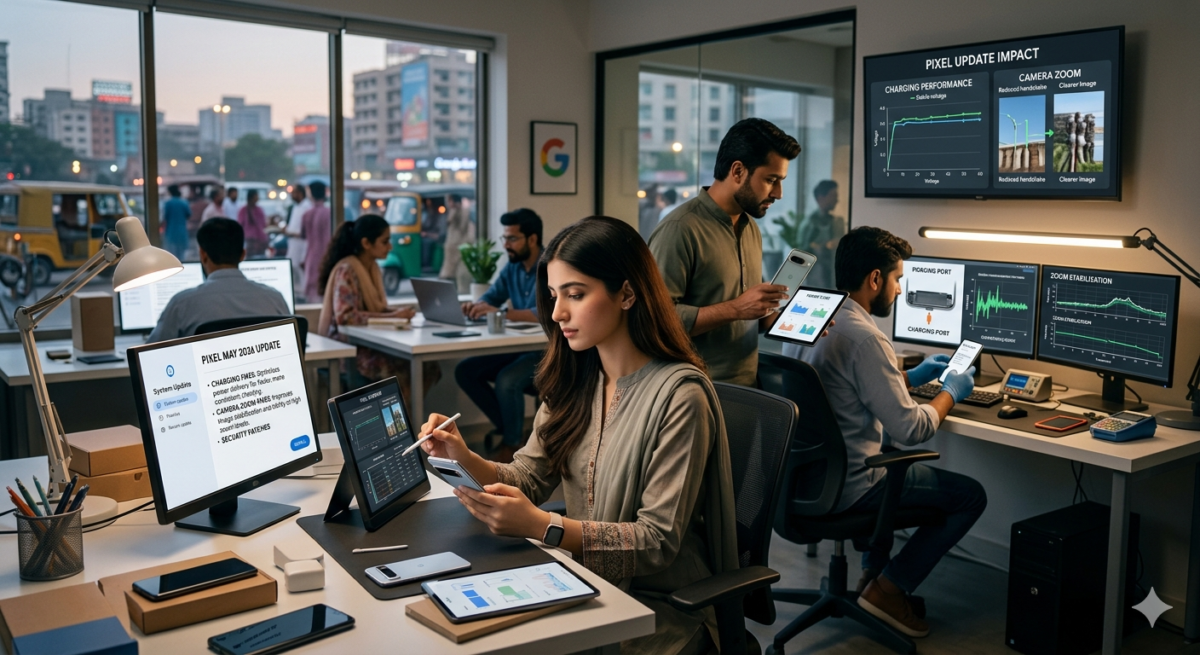
Google has officially begun the rollout of the May 2026 software update for the Pixel lineup, specifically targeting devices running Android 16. This update is a critical functional patch designed to resolve several high-profile bugs that have been affecting user experience on the latest hardware, including the Pixel 10 Pro XL and the Pixel 10 Pro Fold.
Major Functional Fixes and System Improvements
The May 2026 update addresses several core system issues that users have reported over the last few months. These fixes are intended to improve the reliability of daily tasks, from charging to photography.
1. Wireless Charging Reliability
A significant portion of the update is dedicated to fixing a persistent wireless charging bug. Users noticed that their devices would often stop charging or slow down to a crawl when reaching approximately 75% to 80% battery. The update recalibrates the power management system to ensure a consistent charging curve across all compatible Qi-certified chargers.
2. Camera Zoom and Video Stability
For mobile photographers, the “Camera Zoom Glitch” was a major pain point. Previously, adjusting the zoom slider while recording 4K video would occasionally cause the camera app to crash or produce a noticeable stutter in the final footage. The May patch optimizes the transition between the wide, ultra-wide, and telephoto lenses on the Pixel 10 Pro series, ensuring smooth video recording without frame drops.
3. Display Artifacts and Visual Noise
This update clears up several visual bugs related to the display driver:
- Flickering White Dot: Fixes an issue where a small white pixel would flicker near the top of the screen during low-light usage.
- Display Noise: Resolves reports of “fuzzy” screens or vertical noise lines appearing intermittently on the Pixel 10 Pro XL and Pixel 9 Pro XL panels.
4. User Interface and Input Correction
Several UI glitches have been patched, specifically focusing on the software keyboard. Users had reported instances where the keyboard would either fail to appear or would remain frozen on the screen after a message was sent. This update ensures that the input method editor (IME) remains responsive across all system applications.
Device Eligibility and Rollout Schedule
The May 2026 update is being pushed to all supported Pixel devices currently running the Android 16 stable build.
- Pixel 10 Series: Pixel 10, 10 Pro, 10 Pro XL, and 10 Pro Fold.
- Pixel 9 Series: Pixel 9, 9 Pro, 9 Pro XL, 9 Pro Fold, and 9a.
- Pixel 8 Series: Pixel 8, 8 Pro, and 8a.
- Pixel 7 Series: Pixel 7a (Note: Standard Pixel 7 and 7 Pro support may vary by region for this specific patch).
Security and Anti-Rollback Protection
It is important for users to note that this update includes a bootloader update for the Pixel 10 family. This increments the anti-rollback version, meaning that once you install this May update, you will be unable to flash your device back to an older version of Android 16. This is a security measure intended to protect against vulnerabilities that were patched in the latest build.
Frequently Asked Questions (FAQs)
1. Why haven’t I received the update on my Pixel yet?
Google rolls out updates in phases. Depending on your mobile carrier and your geographic location, it may take anywhere from a few days to two weeks for the notification to appear in your settings.
2. Does this update include the new Android 16 features?
This is a functional and security patch, not a feature drop. While it improves the stability of existing Android 16 features, it does not introduce major new tools. Those are expected to arrive with the transition to Android 17 later this year.
3. Will this fix my Pixel’s battery drain?
While the update specifically targets a wireless charging bug, the general system optimizations included in the patch often result in slightly better standby battery performance for most users.
4. Is the Pixel 6 series supported?
As of May 2026, the Pixel 6 and Pixel 6 Pro have reached the end of their guaranteed functional update window and are not included in this specific Android 16 patch.
5. How do I manually check for the update?
Navigate to Settings > System > Software update and tap on Check for update. Ensure you are connected to a stable Wi-Fi network as the file size can be significant due to the camera and display driver packages.
🚀 Transform Your Brand with TechInDesigns
Your brand deserves a visual identity that speaks volumes. At TechInDesigns, we craft stunning custom logo designs, branding assets, and creative visuals that help your business stand out and connect with your audience at first glance. Our expert designers tailor every concept to reflect your vision and boost your brand’s impact online and offline.
📩 Ready to Elevate Your Brand Identity?
Connect with TechInDesigns today and bring your ideas to life with powerful logo design, strategic branding, and eye-catching graphics that drive recognition and growth